
Before continuing, let us explain what we use cookies for. This CaixaBank website collects data on your browsing using its own and third-party cookies, which we analyse to:

  • Improve our website, products and services.
  • Customise the content (e.g., with video recommendations for you).
  • Customise the advertising you see for our products or services.

The content and advertising are personalised using a profile of you created from your browsing data (for example, what sections of our site you visit). You can find out more about how we use cookies in our Cookie Policy.

Set up cookies
Reject
Accept
  • Personal Banking
  • Business Banking
  • EN
    Spanish language. Press to change

    Spanish language. Press to change

    Close
    • Spanish
    • Català
    • Euskera
    • Galego
    • Valencià
    • Deutsch
    • English
    • Français
Open account

CaixaBank (Go to home)

Access Open account

CaixaBank (Go to home)

Open your account Access
 
  • ...Searching!

    Soon we will show results

  • Follow your search

    More results

  • Security
  • 5 tips that will boost the security of your devices
Promoted product

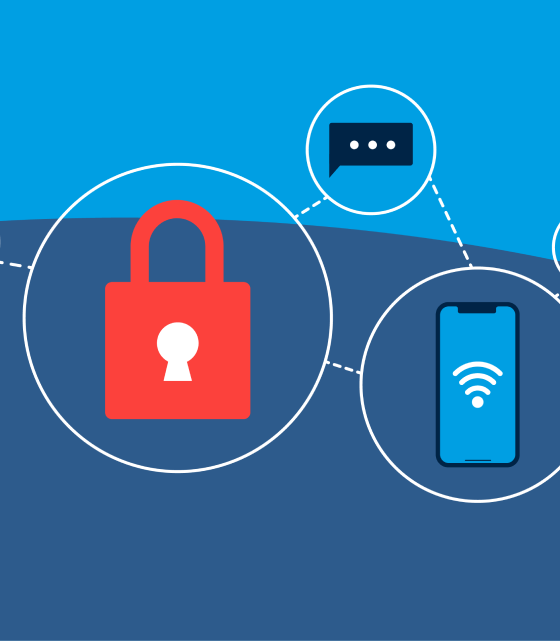
How to protect your devices

Key tips to avoid risks.

Pause / Resume

How to protect your devices

Key tips to avoid risks.

Promoted product

Security starts with the device itself

In a digital environment where every click leaves a trace, protecting computers, mobile phones, and tablets is essential.
Cybercriminals don't always force their way in; often, they gain access through careless practices, outdated apps, or unsecure connections.

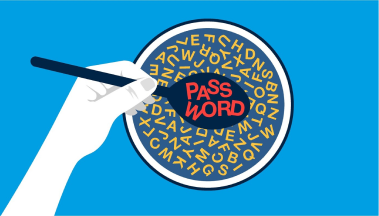
1. Use strong passwords and different ones for each service

Avoid reusing passwords or including personal information. Combine letters, numbers and symbols, and update them regularly. Whenever possible, enable two-step verification.

2. Keep your device and apps updated

Enable automatic updates for your operating system and all your applications. This helps protect your device against potential vulnerabilities.

3. Avoid public Wi-Fi networks

When you're away from home, try to use your mobile data whenever you can. Open networks can become an entry point for fraud attempts.

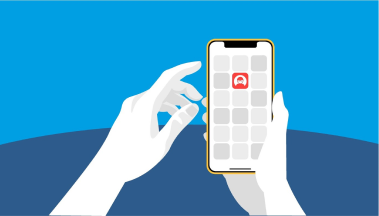
4. Download only from official stores

Don't install apps from unknown links or unverified websites. A download from an unreliable source may compromise your security.

5. Always verify the source before trusting

If something makes you unsure—an app, a message or a pop-up warning—don't act without checking it. Your best defence is critical thinking.
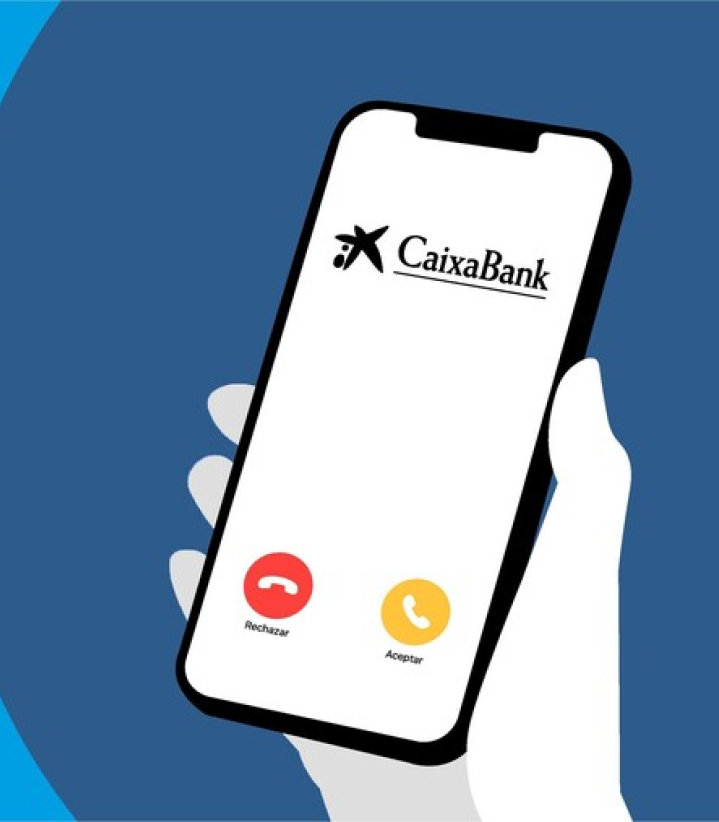
Your best defence: attention to detail


Scams are often disguised as emergencies or threats. Be especially wary

of any urgent requests for details or payments.


Keep calm, use your common sense, and if you think you might be a victim of fraud, get in touch with CaixaBank immediately through the official channels: Adviser Space or by calling 938 87 25 25.

Call

Do you think you've been the victim of fraud?

Call
    • Contact us Got a question? We’re here to help you.
    • Customer support Access to submit an official complaint.
    • Online banking From your computer or your phone.
    • Set an appointment Through the CaixaBank app or website.
  • Products

    • HolaBank Account
    • HolaBank Cards
    • HolaBank Mortgage
    • Interest-bearing Deposit
    • Insurance
  • It may interest you

    • Digital Banking
    • HolaBank Club (Opens in a new window)
    • Sustainable products
  • Corporate information

    • Corporate website (Opens in a new window)
    • CaixaBank Research (Opens in a new window)
    • Awards and acknowledgements (Opens in a new window)
    • Headlines
    • Sustainability (Opens in a new window)
    • Work with us (Opens in a new window)
    • Accessibility
    • CAS
    • CA
    • ENG
    • FRA
    • DEU
    • VAL
    • EUS
    • GAL

© CaixaBank, S.A. 2026

  • Cookies policy
  • Privacy
  • Legal notice
  • Interest rates and information
  • MIFID
  • Legal information about CaixaBank, S.A.
  • Sello de Excelencia EFQM (Abre en ventana nueva)
  • Western Europe
  • Banco más innovador (Abre en ventana nueva)
  • Certificación ISO
  • AQmetrix